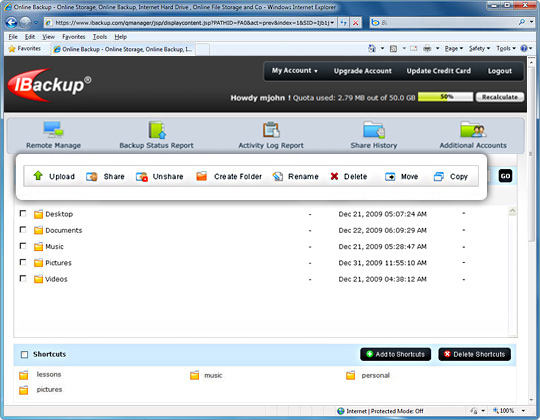
File and folder operations
Backup, restore and manage files and folders in your account
Upload/download
Upload files from your local computer to the IBackup account or download any backed up file. [More]
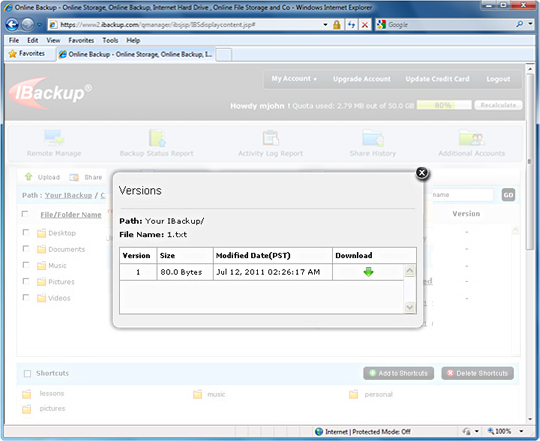
Versioned File System
IBackup allows you to retain and restore previous versions of all files backed up to your account. Currently, you can restore 10 previous file versions to any location on your local computer. [More]
Shortcuts
Quickly access frequently used folders by adding them to Shortcuts list – especially useful when you have a large directory structure. [More]
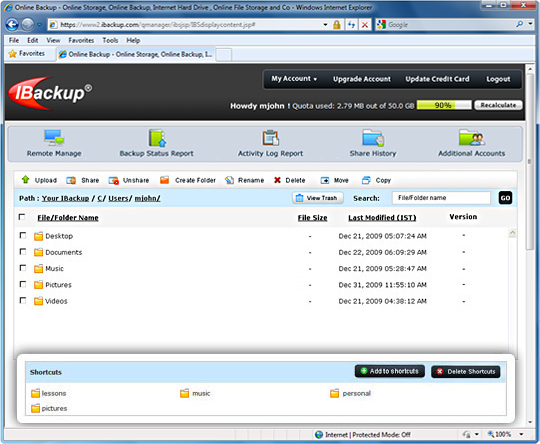
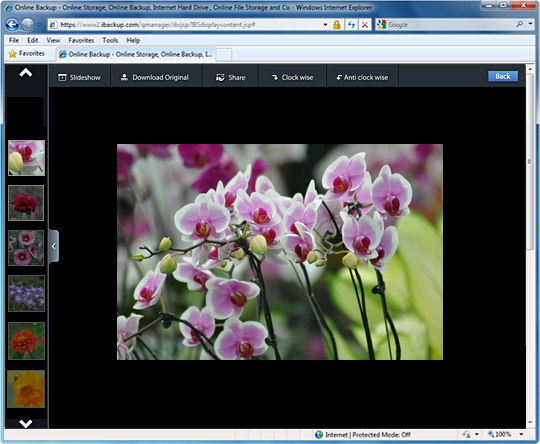
Image gallery
Displays image files backed up to your IBackup account. You can also view a slideshow of your photos. [More]
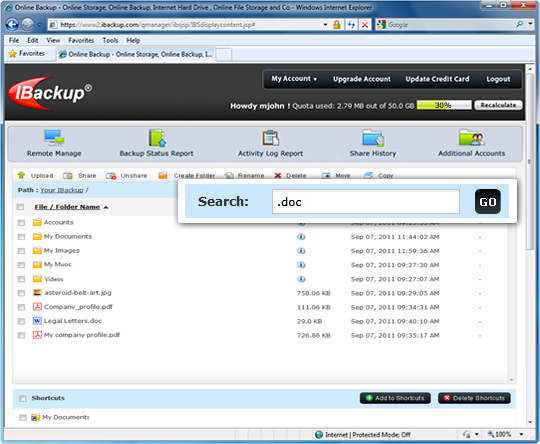
Search
Easily locate files and folders backed up to your online account. [More]
Other options
Move or copy-n-paste files from one folder to another in your online account, delete files, rename or create folders etc. [More]