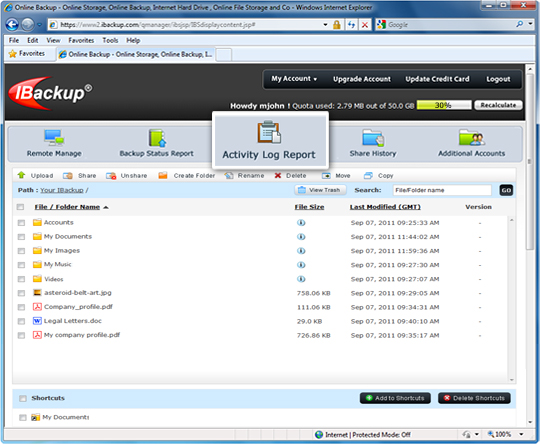
Central Management Console
Manage your Backup set, schedule backup jobs, view session logs and keep track of data backups to your online account on the fly, via the web
Take complete control of your backup through any browser by using Web-Based Backup set / Schedule Management. IBackup's central management console also summarizes the status of the scheduled online backups and makes it easy to access these reports from any location via the web.
Web-Based Backup set / Schedule Management
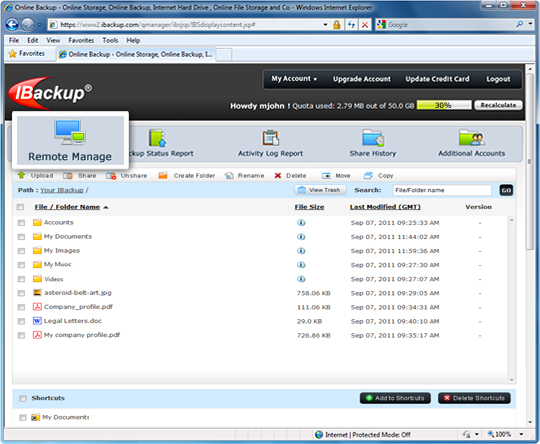
Login to your IBackup account via the web and click the 'Remote Manage' icon. This takes you to the 'Backup Manager' page from where you can edit the contents of your default Backup set. Click the 'Schedule Manager' button to schedule your backup job. You can also view detailed logs.
Backup Status Report
You can view the backup reports for your account from the web.
For this, log into IBackup's browser-based application, Web-Manager.
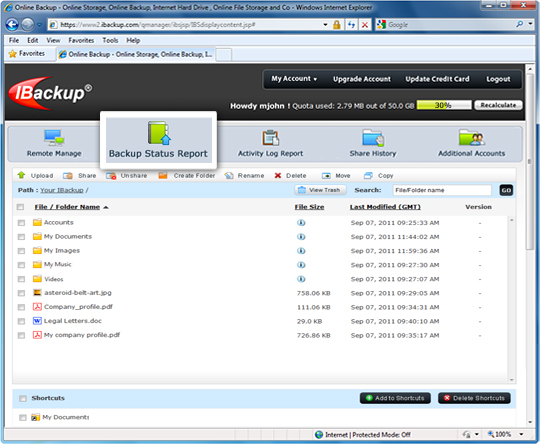
Click the 'Backup Status Report' link for details on the scheduled backup job. By default, a report for the last seven days is displayed. This report is available only if you have opted to receive email notifications for the scheduled backup jobs (via the application). You can also see older reports. [More]
Activity Log Report
For a report of all browser-based activities performed using Web-Manager, click ‘Activity Log Report’ and select the time period for which you want to see the logs. [More]