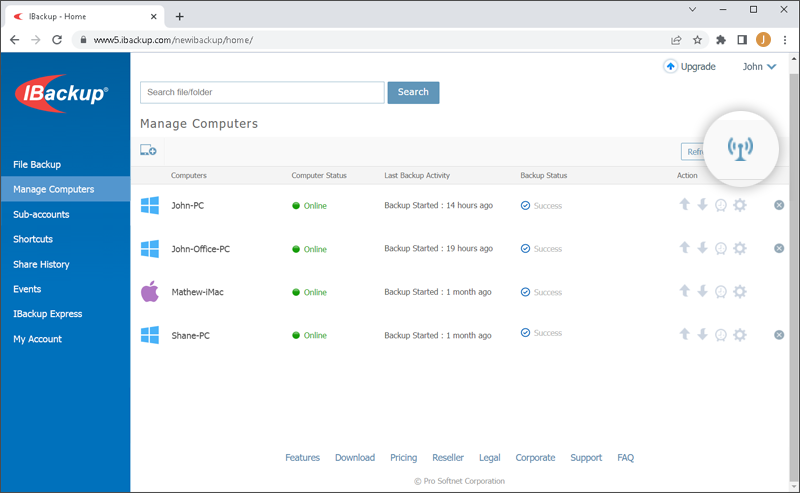
Propagate Settings
The IBackup web interface gives you the option to make changes to all your computers at the same time.
To modify settings,
To modify settings,
- Click
 on the top-right of the screen.
 - The Propagate Settings screen appears with the following options: Settings, Scheduler, Files to Backup, Exclude Files and Bandwidth Throttle.
- Select the preferred option(s), make changes, and click
 corresponding to the changes made.