IBackup, the integrated online backup and storage service, includes applications that feature automatic scheduling of backups, data compression, encryption, incremental backup subsequent to initial full backup, versioning, and secure local backups. IBackup supports open file backup, system state backup, and backup of running servers and databases – MS SQL Server, MS Exchange Server, Hyper-V, MS SharePoint Server and Oracle Server.
IBackup guarantees superior performance*, often at 30% or more, compared to competition.
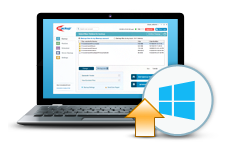
IBackup for Windows
Schedule online backup for a future date/time. Features incremental backup, encryption, versioning, and backup of running databases and servers.
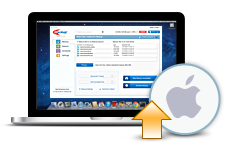
IBackup for Mac
Protect your Mac with reliable scheduled online backup. Features incremental backup, versioning, log reporting options, and Time Machine backup.
IBackup for Linux
Schedule unattended offsite backups for Linux and Solaris with encryption, compression and incremental backup options.

IBackup for iOS / Android
Protect and share your digital memories from your iOS and Android devices. Access files backed up from your PC / Mac.

Hybrid Backup
Complement your online backup with a secure local storage for all of your files, and get speedy backups and restores.
Web manager
This browser-based application makes it easy to access, manage and share data; features image gallery and file search.

Sub-accounts
Create multiple accounts using your storage space and monitor backups from a single administrator console.
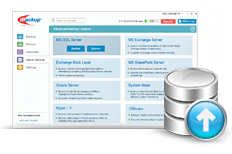
MS SQL Server backup
Backup MS SQL Server database without interrupting its services. Features scheduling options and log reports.
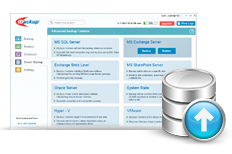
MS Exchange Server backup
Easy and reliable way to backup MS Exchange Servers to your IBackup account.
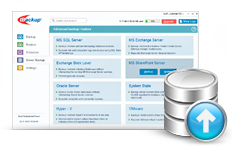
MS SharePoint Server backup
Protect data of your entire MS SharePoint Server with IBackup granular backup / restore.
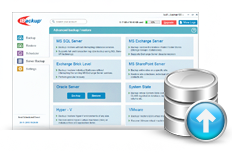
Oracle Server backup
Simple, fast and reliable way to backup your Oracle Server databases to your IBackup account.
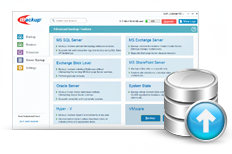
VMware
IBackup provides you the best VMware backup solution – with full and incremental backups. It supports VMware vCenter, and ensures a complete data protection for virtualized environment.
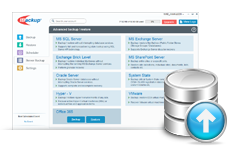
Microsoft 365 Mailbox
Backup and restore multiple Microsoft 365 Exchange mailboxes hosted online, including data such as email folders, calendars, contacts and tasks.

Deploy IBackup using GPO
Remotely install the IBackup application from Windows Server, to multiple computers, by using Microsoft Active Directory Group Policy.
* Internal tests have shown that IBackup Windows desktop application transfers data at 30% or better speeds, compared to competition.